Precision Photos for
Global Standards
Automated biometric imaging with 100% government compliance. Trusted by thousands for official passport and visa documentation.


Verified by 500k+ Travelers


United States Passport
2.0 × 2.0 IN • 300 DPI
Global Templates
Optimized for 150+ Regions
Professional Toolset
Precision Scaling
Automatic cropping to millimeter-perfect dimensions required by consulates.
Dynamic Ratios
Switch between EU, US, and Asian standards with a single click.
Print Optimization
Generate 4x6" layouts ready for home printing or professional labs.
How to create the perfect passport photo?
In just a few simple steps, our AI system generates official-compliant passport photos for you.
1. Upload Photo
Take a photo with your phone or upload an existing one. No professional equipment needed.
2. AI Processing
Automatically crops, resizes, removes background, and optimizes biometric features.
3. Compliance Check
Smart algorithms check if the photo meets official standards (lighting, angle, expression, etc.).
4. Download & Use
Get high-quality digital photos or printable sheets for online applications or printing.
How to take a compliant passport photo at home?
Lighting is Key
Face a window to use natural light. Avoid direct sunlight to prevent shadows. Ensure even lighting on your face.
Keep Distance
Stand about 1.5m from the camera and 0.5m from the wall (to avoid shadows). Do not use selfie mode.
Correct Posture
Face the camera directly with head straight. Look at the lens with a neutral expression (no smiling or teeth visible).
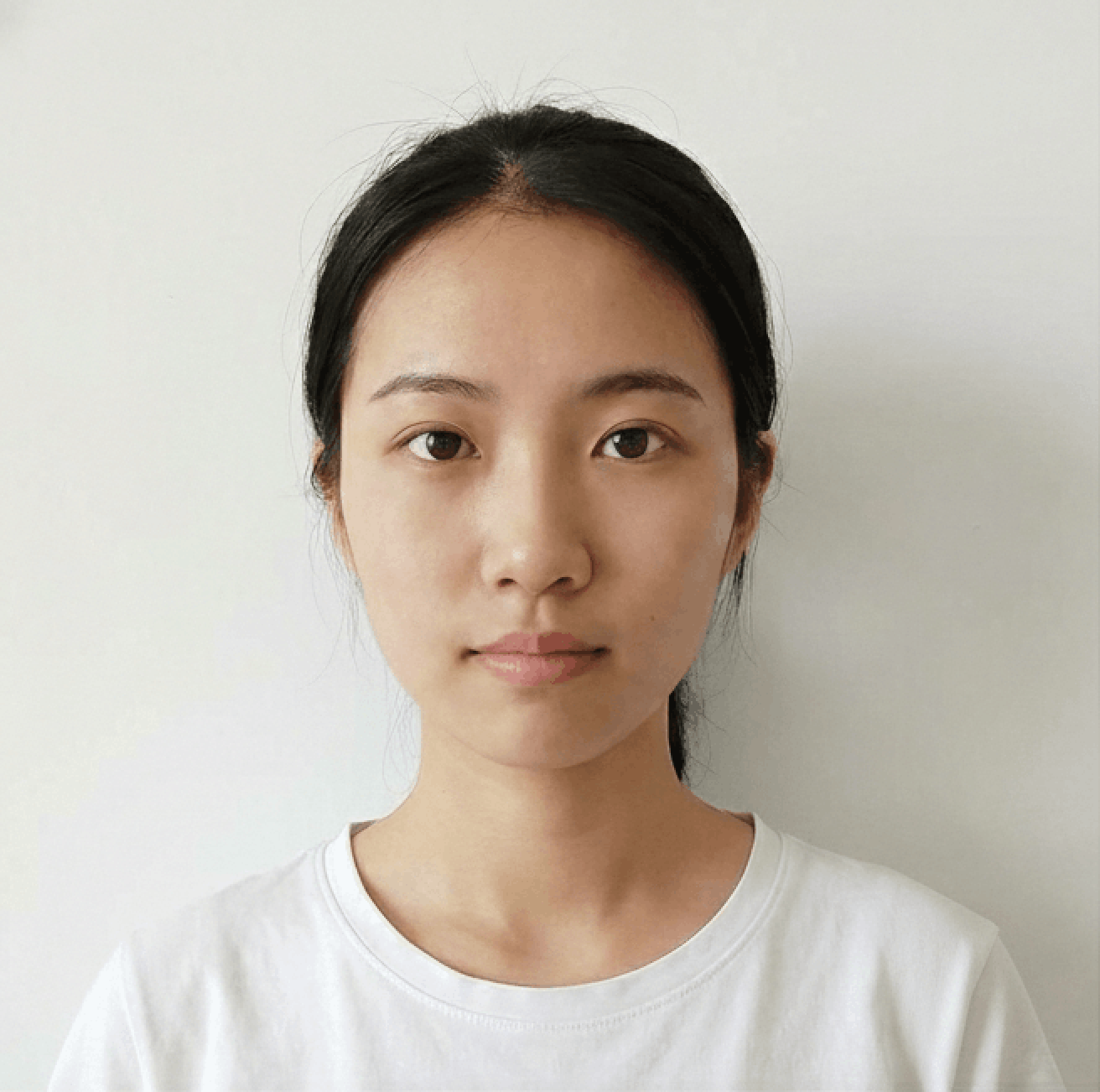
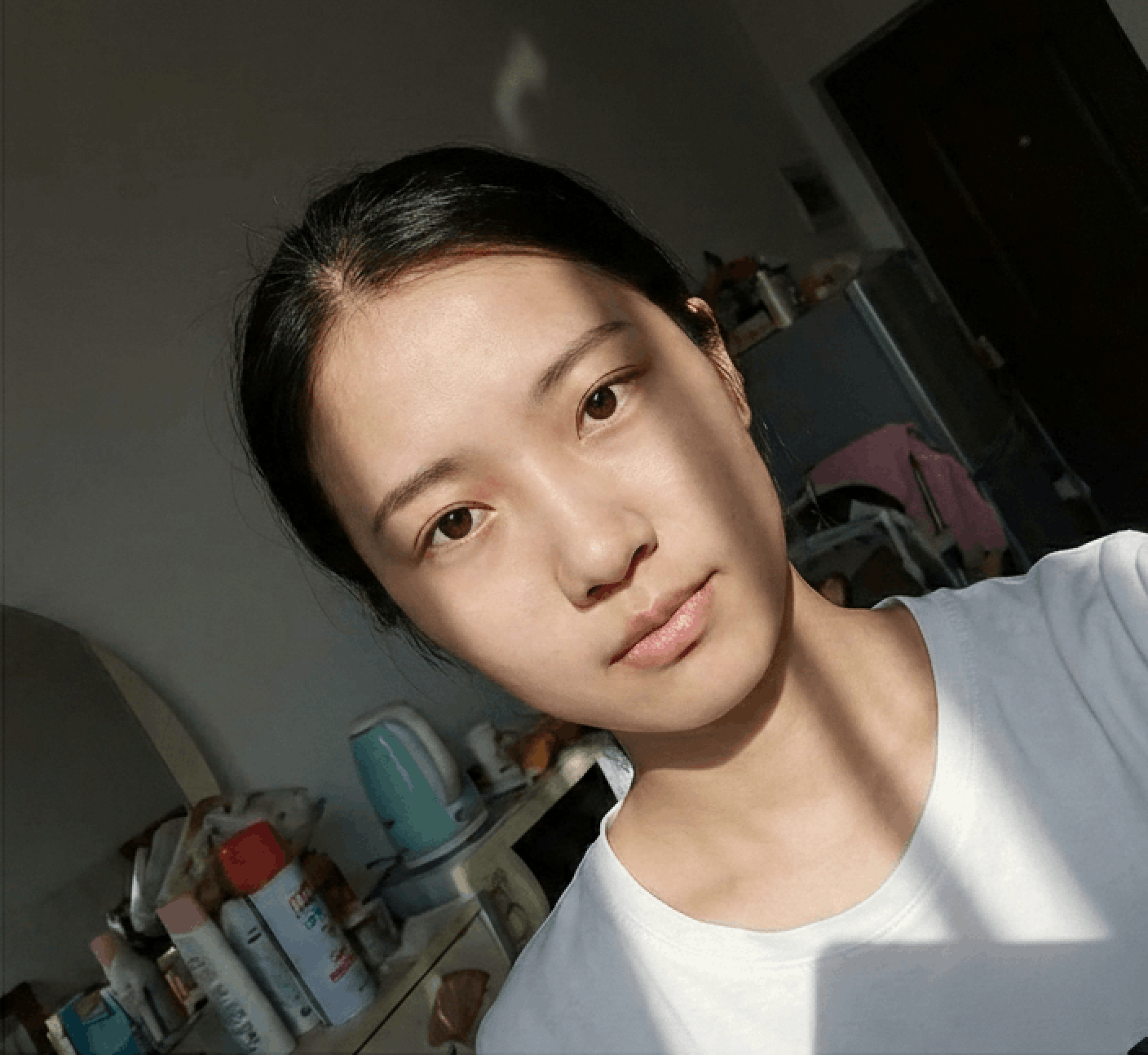
Photo Guidelines
Avoid Selfies
Selfies cause wide-angle distortion. Ask a friend to help or use a tripod/timer.
Dress Code
Wear casual daily clothes. Avoid uniforms. Dark colors contrasting with the background (usually white) are recommended.
Face Visibility
Hair must not cover eyebrows or eyes. No hats/head coverings unless for religious reasons. Glasses should generally be removed.